The Paradox of Digital Detox
Let’s face it: The idea of completely ditching your devices to find inner peace sounds amazing, right? But for most of us, it’s about as realistic as taking a private jet to the moon.
Our phones are glued to our hands. They’re our alarm clocks, our communication hubs, our news feeds, and, let’s be honest, often our biggest source of distraction and mental clutter.
You want to unplug. You want to be more mindful. But how do you bridge the gap when the very thing you need to escape is the tool you rely on?
Here’s the powerful secret: You don’t have to go cold turkey. In fact, you can use your technology to teach you how to be present, how to calm your mind, and how to prepare yourself for those much-needed moments of digital detachment.
This post will reveal the 11 best Mindfulness Apps that act as your personal guide to peace, helping you cultivate focus and serenity before you even hit that airplane mode button. Think of them as your digital stepping stones to a truly unplugged routine.
Ready to transform your tech from a distraction to a powerful tool for tranquility? Let’s dive into the apps that will revolutionize your path to presence.
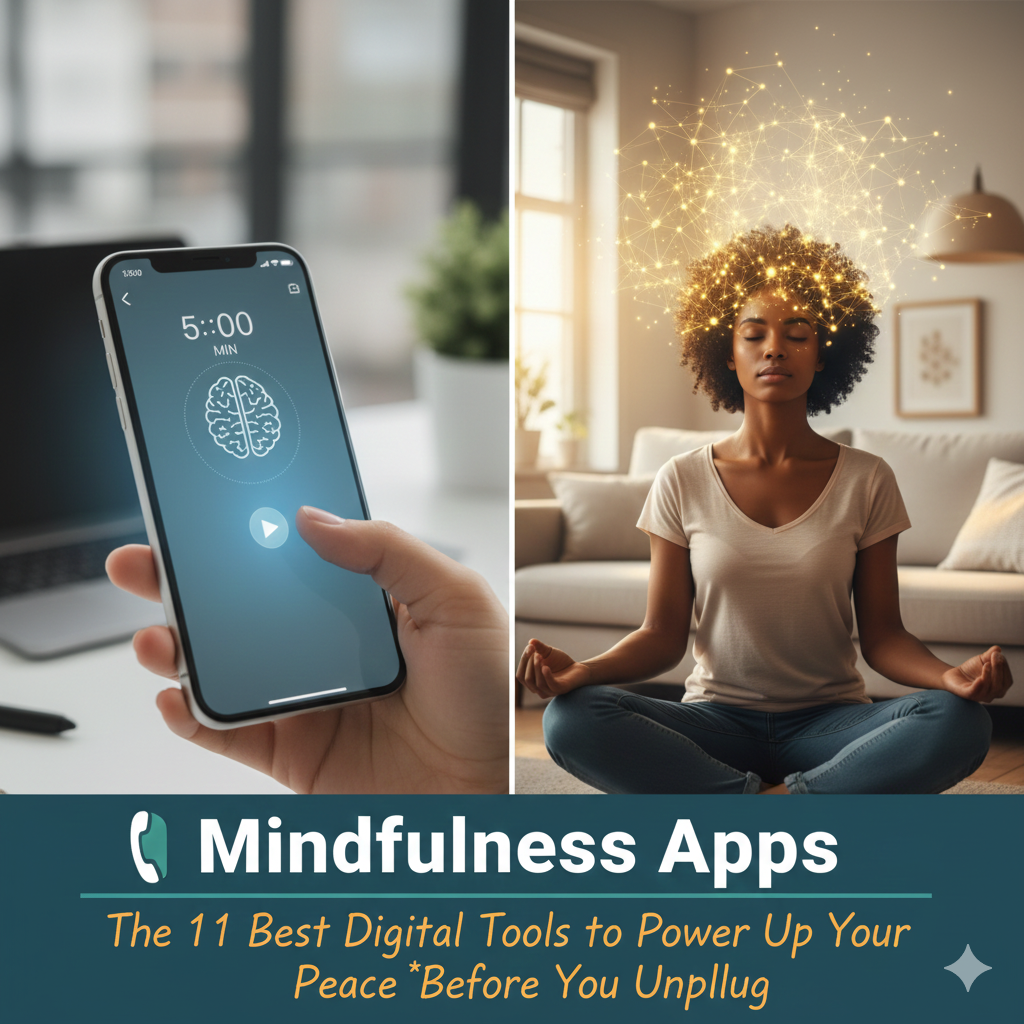
Part 1: Why Mindfulness Apps Aren’t Cheating (They’re Strategic!)
It might seem counterintuitive: using an app to become less reliant on apps. But there’s a profound logic to it.
The Guided Journey to Presence
Imagine trying to learn a new language without a teacher. It’s possible, but incredibly hard and frustrating.
Mindfulness apps are your teachers. They provide structured guidance, teach techniques, and offer consistent practice. They demystify mindfulness, making it accessible to everyone, no matter their experience level.
They turn the abstract concept of “being present” into concrete, step-by-step instructions.
Building a Bridge, Not Burning One
For many, the jump from constant digital engagement to complete unplugging is too jarring. It can feel like deprivation, leading to resistance and quickly reverting to old habits.
These Mindfulness Apps build a crucial bridge. They allow you to integrate mindful moments into your existing digital routine, creating small, consistent wins.
Each session you complete with an app is a tiny victory, strengthening your “mindfulness muscle” until unplugging feels less like a chore and more like a natural, desired state.
Harnessing Tech for Good
We use our phones for banking, navigation, and fitness tracking. Why not use them for mental wellness?
Mindfulness Apps leverage the very technology that often distracts us to bring us back to ourselves. They can remind us, track our progress, and deliver content right when and where we need it. This makes building a sustainable mindfulness practice easier than ever before.
Part 2: The 11 Best Mindfulness Apps to Elevate Your Routine
These apps offer a range of features, from guided meditations and sleep stories to soundscapes and mood tracking. Most have free basic versions or trials, so you can explore what resonates with you.
#1: Calm (The Gold Standard for Sleep & Stress)
- What it offers: Hundreds of guided meditations (from 3-25 minutes), “sleep stories” (bedtime stories for adults), soothing soundscapes, breathing programs, and masterclasses.
- Why it’s great: Calm excels at helping you quiet a busy mind for better sleep and overall stress reduction. Their daily “Daily Calm” meditation is a fantastic quick reset.
- Best for: Beginners, those struggling with sleep, and anyone looking for a vast library of soothing content.
#2: Headspace (The Friendly Introduction to Meditation)
- What it offers: Engaging, animated guided meditations (from 3-20 minutes), courses on various topics (stress, focus, relationships), “SOS” meditations for moments of crisis, and sleep sounds.
- Why it’s great: Andy Puddicombe’s voice is incredibly accessible and his approach breaks down meditation into easy-to-understand concepts. The “Take 10” beginner course is legendary.
- Best for: Absolute beginners who want a clear, step-by-step introduction to meditation in a friendly, non-intimidating way.
#3: Ten Percent Happier (For the Skeptics & Deep Divers)
- What it offers: Video lessons and guided meditations from renowned meditation teachers, deep dives into specific topics, and “mini-meditations.”
- Why it’s great: Founded by ABC news anchor Dan Harris (who wrote the book 10% Happier after a panic attack on air), this app caters to those who want a more intellectual, no-nonsense approach to mindfulness.
- Best for: Experienced meditators seeking new teachers, analytical thinkers, and those who appreciate a scientific, evidence-based approach.
#4: Insight Timer (The Free, Expansive Community)
- What it offers: Over 100,000 free guided meditations, talks, music tracks, and courses led by thousands of teachers. It also includes a robust timer for unguided meditation.
- Why it’s great: This app is a treasure trove of free content, making mindfulness accessible to everyone. Its community features and tracking tools add another layer of engagement.
- Best for: Budget-conscious users, those who like variety, and experienced meditators who enjoy exploring different teachers and styles.
#5: Waking Up by Sam Harris (For the Philosophically Minded)
- What it offers: A comprehensive course on the theory and practice of meditation, daily meditations, philosophical lessons on the nature of consciousness, and discussions.
- Why it’s great: Sam Harris offers a deep dive into the non-dual nature of consciousness, appealing to those who want to understand the why behind mindfulness, not just the how.
- Best for: Those interested in the deeper philosophical aspects of mindfulness, non-dual awareness, and intellectual exploration of the mind.
#6: Aura (Personalized Wellness in Minutes)
- What it offers: Personalized daily meditations, sleep stories, life coaching, and soundscapes based on your mood and goals. Focuses on short, impactful sessions.
- Why it’s great: Aura’s AI-powered personalization ensures you get content tailored to your specific needs, making it highly effective for targeted relief from stress or anxiety.
- Best for: Individuals seeking a highly personalized experience and quick, targeted meditations for specific moods or challenges.
#7: BetterMe (Holistic Wellness for Body & Mind)
- What it offers: A broader approach to wellness, combining mindfulness with fitness, nutrition, and even therapy. Includes guided meditations, breathing exercises, and mindful eating.
- Why it’s great: For those who want to integrate mindfulness into a holistic health journey, BetterMe offers a comprehensive platform that addresses both mental and physical well-being.
- Best for: Users looking for an all-in-one wellness app that integrates mindfulness with other health goals.
#8: Tide (Focus & Sleep with Nature Sounds)
- What it offers: Focus timers with nature soundscapes, guided meditations for sleep and focus, breathing exercises, and daily quotes.
- Why it’s great: Tide is minimalist and elegant, perfect for those who want a simple, beautiful interface. The focus timer is excellent for creating structured work sessions with mindful breaks.
- Best for: Students, remote workers, and anyone who needs help staying focused and creating a soothing background environment for work or sleep.
#9: The Mindfulness App (A Simple, Straightforward Approach)
- What it offers: Guided meditations (from 3-30 minutes), silent meditation timer, personalized statistics, and gentle reminders.
- Why it’s great: True to its name, this app offers a straightforward approach to mindfulness. It’s less flashy than some, but incredibly effective for consistent practice.
- Best for: Users who prefer a simple, no-frills meditation app that focuses purely on the practice without excessive features.
#10: Stop, Breathe & Think (Mindfulness for Emotional Check-ins)
- What it offers: Quick, guided meditations tailored to how you’re feeling at that moment. You do a quick “check-in” to identify your emotions, and the app suggests practices.
- Why it’s great: This app helps you build emotional intelligence by pausing to acknowledge your feelings. It’s fantastic for recognizing stress or anxiety as they arise and choosing an appropriate mindful response.
- Best for: Those looking to improve emotional regulation, reduce reactive behavior, and develop greater self-awareness throughout the day.
#11: Glorify (Christian Mindfulness & Meditation)
- What it offers: Daily devotions, Christian meditations, scripture readings, and sleep stories all centered around faith-based principles.
- Why it’s great: For individuals seeking to integrate their spiritual faith with mindfulness practices, Glorify provides a unique and supportive platform.
- Best for: Christians who want to practice mindfulness within a faith-based context, seeking spiritual growth alongside mental peace.
Part 3: Maximize Your App Experience (and Prepare to Unplug!)
Having these Mindfulness Apps on your phone is just the first step. Here’s how to use them effectively to build the foundation for a truly unplugged life.
Schedule Your “Mindful Moments”
Don’t just open an app when you’re stressed. Proactively schedule 5-10 minutes each day.
- Morning Wake-Up: Use a guided meditation to start your day with intention, before you check emails.
- Lunch Break Recharge: Step away from your desk for a quick 5-minute session to reset.
- Evening Wind-Down: Use a sleep story or calm meditation to signal to your brain that it’s time to unwind, before bedtime scrolling.
Consistent, scheduled practice is how you build the mental resilience needed for extended unplugging.
Turn Off Notifications for the App (The Paradox)
This might sound funny, but even a mindfulness app can be a distraction if it’s constantly pinging you.
Go into your phone settings and turn off all non-essential notifications for your chosen Mindfulness Apps. Allow them to be a tool you choose to open, not another app demanding your attention.
This teaches you intentional engagement, which is a core principle of both mindfulness and unplugging.
Use the App to Transition to True Unplugging
Here’s the ultimate goal: Use these apps as your training wheels.
- Start a 10-minute meditation with an app.
- After the meditation, instead of immediately opening another app, put your phone down.
- Spend the next 20-30 minutes in a truly unplugged activity: read a physical book, go for a walk, journal, or simply sit in silence.
The app helps calm your mind, making that transition to device-free time much smoother and more enjoyable. You’re leveraging technology to facilitate its own temporary absence.
Conclusion: Your Smart Path to Serenity Starts Now
In a world that constantly demands your attention, regaining control of your inner landscape is not just a luxury—it’s a necessity.
These Mindfulness Apps offer a pragmatic, accessible pathway to cultivating presence, reducing stress, and preparing your mind for those essential moments when you truly need to disconnect. They empower you to transform your relationship with technology, turning it from a source of distraction into a powerful ally for peace.
Don’t let the paradox stop you. Embrace these digital tools as your guides, and watch how quickly they prepare you for a more profoundly unplugged routine.
🔥 Your Ultimate Call to Action 🔥
Ready to turn your phone into a force for focus?
Don’t wait! Download one of the 11 Best Mindfulness Apps mentioned today (I recommend trying Calm or Headspace first for beginners). Commit to just 5 minutes of guided meditation during your next tech break.
Let us know which app you chose and how it impacted your day!
For more strategies to blend digital tools with real-world peace, click here to join our FREE Unplugged Community and receive exclusive insights and app reviews!