It’s a brand new year. A fresh start. And like millions of others, you’re probably making resolutions. But what if this year, instead of just adding things to your life, you focused on taking away something that’s quietly draining you? We’re talking about excessive screen time.
Let’s face it: our phones, tablets, and computers have become extensions of ourselves. They promise connection, but often deliver distraction, anxiety, and a constant feeling of “not enough.”
If you’re tired of feeling tethered, interrupted, and overwhelmed by the digital world, then this 30-Day Unplugging Challenge is for you. It’s not about abandoning technology forever; it’s about reclaiming your focus, your presence, and your peace. And best of all, we’ve included a Progress Planner to guide you every step of the way.

Why “Less Screen” is the Best Resolution for a New Year
The New Year brings a natural desire for change and improvement. Why focus on unplugging?
- Mental Clarity: Reduced screen time clears the digital fog, making space for clearer thought and deeper focus.
- Better Sleep: Ditching screens before bed drastically improves sleep quality, leading to more energy and better moods.
- Stronger Relationships: When you’re not distracted by your phone, you’re truly present for the people you love.
- Rediscovered Hobbies: Remember those things you used to enjoy? Unplugging gives you the time and mental bandwidth to pick them up again.
- Reduced Anxiety: Less comparison, less news overload, less FOMO – it all adds up to a calmer mind.
It’s a resolution that doesn’t just improve one aspect of your life; it elevates almost all of them.
Understanding the Challenge: Your 30-Day Roadmap
This isn’t about perfection; it’s about progress. The 30-Day Unplugging Challenge is structured to gradually ease you into healthier habits. Each week builds on the last, making sustainable change achievable.
Think of it as training for a mental marathon. You wouldn’t run 26 miles on day one, right? Similarly, we’ll start with small, manageable steps that accumulate into significant shifts.
Your commitment for these 30 days is simple: be mindful, be honest with your tracking, and be kind to yourself when you slip up. Every day is a new opportunity to choose presence over pixels.
Your Essential Tool: The Progress Planner
You can’t achieve a goal if you don’t track it. Our Progress Planner is your secret weapon. It provides a visual, tangible way to see your improvements, celebrate wins, and identify areas for adjustment.
We’ll discuss specific sections of the planner throughout this guide, but for now, understand that using it consistently is crucial. Print it out, put it somewhere visible, and make it a daily habit.
Week 1: Awareness & Basic Boundaries
The first week is all about building awareness and setting up your foundational “unplugging” habits.
Day 1-3: The Digital Audit – Know Your Starting Point
You can’t change what you don’t measure. For the first three days, simply track your screen time without trying to change anything.
- Action: Use your phone’s built-in “Screen Time” (iOS) or “Digital Wellbeing” (Android) features. Record your total daily screen time, top three apps, and total phone pickups in your Progress Planner.
- Planner Entry: Log these numbers under “Daily Screen Time” and “Top Apps.”
- Reflection: What surprised you? Did you spend more time on certain apps than you thought?
Day 4-7: Bedroom Ban & Notification Naming
This is where the first real boundaries come in. Your bedroom should be a sanctuary, not a notification hub.
- Action: No phones in the bedroom. Charge your phone in another room overnight. Buy a traditional alarm clock. Turn off all non-essential notifications (social media, most news, games). Only keep on work or emergency-related alerts.
- Planner Entry: Mark “Bedroom Ban” and “Notifications Off” in your daily checklist.
- Tip: Explain to close family/friends that you’re doing a digital detox so they understand if you’re slower to respond.
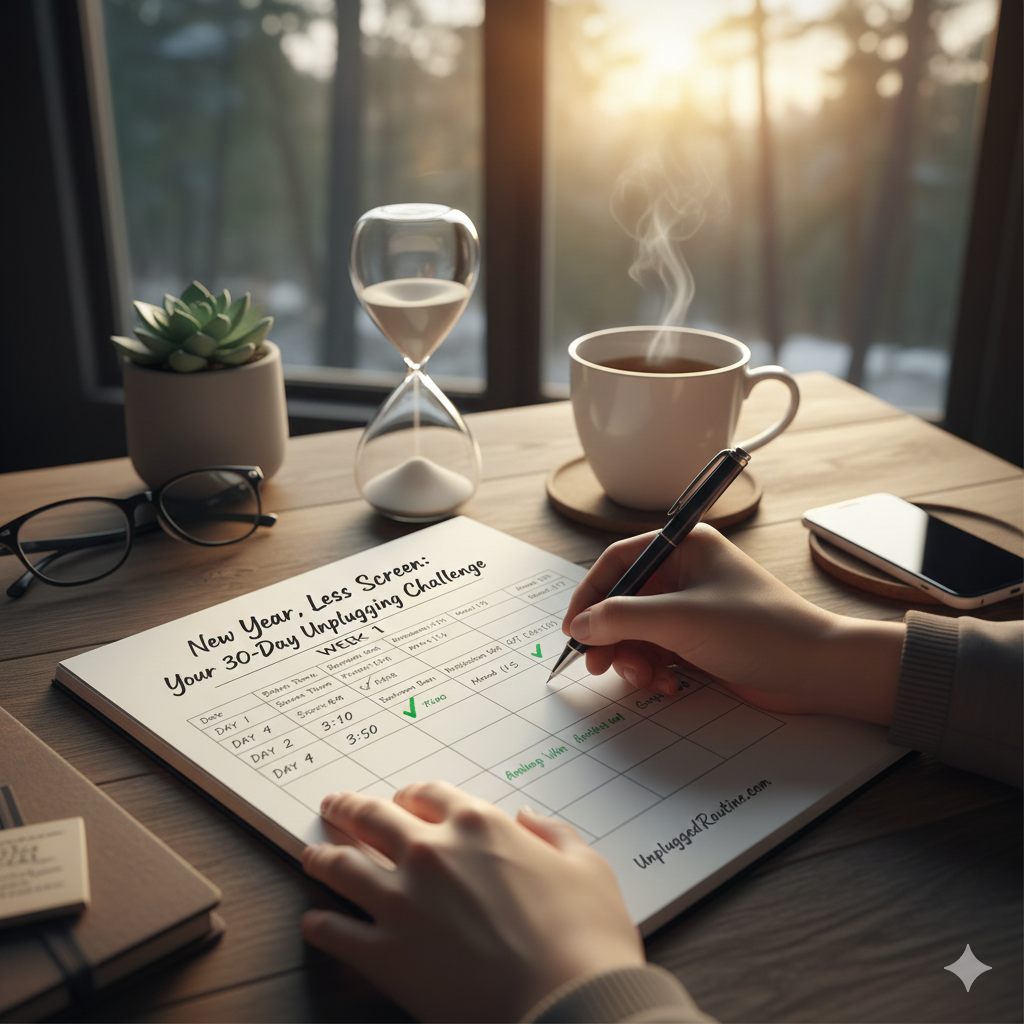
Here’s an example of what your progress planner might look like, helping you visualize your journey:
Week 2: Strategic Scheduling & Analog Alternatives
By now, you’ve stopped the constant “pings” from invading your sleep. Week two is about reclaiming your daytime hours by being intentional rather than reactive.
Day 8-10: Batching Your Digital Tasks
Instead of checking your email or social feeds 50 times a day, try “batching.” Pick three specific times (e.g., 9 AM, 1 PM, and 6 PM) to check all your apps. Once you’re done, close them.
- Action: Set a timer for 15 minutes. Use that time to catch up, then put the phone away.
- Planner Entry: Use the “Focus Blocks” section of your Progress Planner to log your successful batching sessions.
Day 11-14: The 1-Hour Morning Sanctuary
The way you spend your first hour set the tone for the whole day. If you start by scrolling, you’re letting the world’s priorities dictate your mood.
- Action: Do not touch your phone for the first 60 minutes after waking up. Use this time to stretch, drink coffee, or journal.
- Planner Entry: Log your “Morning Win” and note how your energy levels felt by lunchtime.
Week 3: Deep Work & Mindful Consumption
Now that the low-hanging fruit is gone, it’s time to tackle the deeper habits of mindless scrolling and digital distraction.
Day 15-18: Social Media Fast
Pick the one app that drains your time the most. For many, it’s TikTok or Instagram. Delete it from your phone for four days. You can still check it on a desktop if you must, but remove the “easy access” from your pocket.
- Action: Uninstall your “Red Flag” app.
- Planner Entry: Use the “Mood Tracker” in your Progress Planner. Does your anxiety decrease when you aren’t constantly comparing your life to others?
Day 19-21: Rediscovering Analog Joy
Nature hates a vacuum. If you remove screen time, you must fill it with something better, or you’ll go right back to the scroll.
- Action: Spend at least 30 minutes each day on an analog hobby—drawing, reading a physical book, or cooking a meal from scratch without a video tutorial.
- Planner Entry: List your “Analog Activity of the Day.”
Week 4: The 24-Hour Digital Sabbath & Sustaining the Routine
The final week is the “graduation” phase where you prove to yourself that you are in control, not the device.
Day 22-25: Mealtime Minimalism
Make every meal a screen-free zone. No “Netflix and Chill” while eating alone, and no phones on the table during dinner with others.
- Action: Focus entirely on the taste, texture, and conversation of your meal.
- Planner Entry: Check off “Mindful Eating” in your daily tracker.
Day 26-28: The 24-Hour “Unplugged” Sabbath
This is the big one. Choose one weekend day to turn your phone off completely for 24 hours. Inform your family the day before.
- Action: Go completely dark. No GPS, no Spotify, no texting. Just you and the real world.
- Planner Entry: Write a brief reflection in your Progress Planner about the “itch” to check your phone and when it finally went away.
Day 29-30: The New Normal
Look back at your Week 1 data. Compare it to your Week 4 data. You’ll likely see a massive drop in pickups and a huge spike in reported happiness.
- Action: Decide which boundaries (like the bedroom ban) will become permanent parts of your life.
- Planner Entry: Finalize your “30-Day Transformation” summary.
Making it Stick: Tips for the Long Haul
A 30-day challenge is a jumpstart, but an Unplugged Routine is a lifestyle. To keep your progress:
- Keep the Planner: Continue logging your screen time once a week to prevent “feature creep.”
- Use Grayscale: Keep your phone in grayscale mode to make it less visually stimulating.
- Community: Find an “unplugging buddy” to stay accountable.
Conclusion: Reclaim Your New Year
You deserve a year defined by presence, not by pixels. By completing this 30-Day Unplugging Challenge, you’ve given yourself the greatest gift possible in 2026: the ability to pay attention to your own life.
The world won’t end if you don’t see that notification immediately. In fact, your world might finally start to truly begin.
Ready to start your best year yet?
[Download Your FREE 30-Day Unplugging Progress Planner Here!] This printable kit includes your daily checklists, mood trackers, and the “Analog Activity” brainstorming sheet mentioned in this post. Join the Unplugged Routine movement and let’s make 2026 the year we finally looked up.
What’s the one app you’re most afraid to delete for the Week 3 challenge? Tell us in the comments—we’re all in this together!