Ever felt stuck in a digital rut, trying to unplug but not seeing results? You’ve deleted social media apps, turned off notifications, and even tried leaving your phone in another room. Yet, you’re still drawn back to the screen. What gives?
At unpluggedroutine.com, we understand this struggle intimately. We’ve seen countless individuals embark on their unplugging journeys, only to get frustrated by a lack of clear progress. The truth is, simply trying to unplug isn’t enough. You need to know what’s working, what’s not, and why.
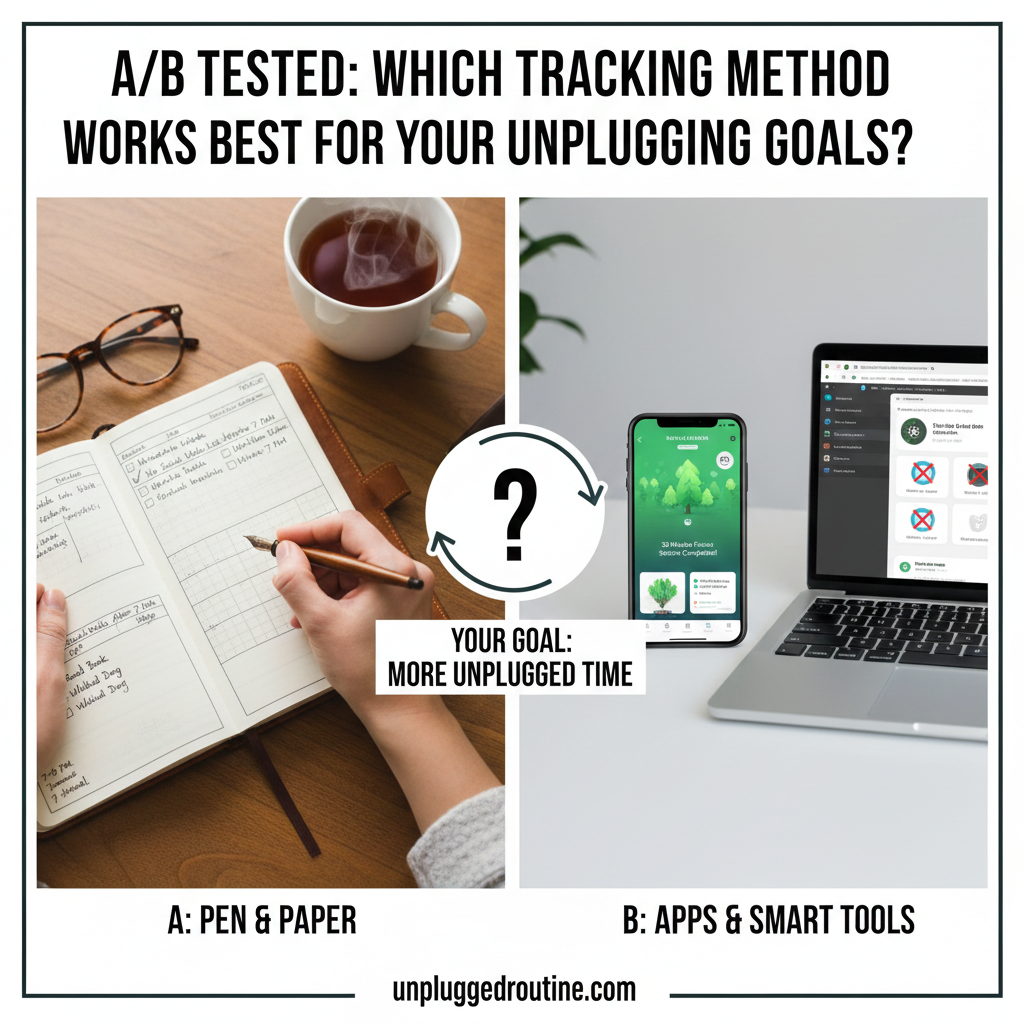
That’s where tracking comes in. But with so many options—from simple pen-and-paper to sophisticated apps—how do you know which one is right for you? We’ve put various methods to the test, and in this A/B tested guide, we’ll reveal which tracking method works best for your unplugging goals.
The Power of Tracking: Why It’s Non-Negotiable for Unplugging Goals
Before we dive into the specific methods, let’s quickly reiterate why tracking is so crucial. Think of it like this: you wouldn’t embark on a weight loss journey without stepping on a scale or measuring your progress, right? The same applies to your digital health.
Tracking provides:
- Awareness: It reveals your true habits, not just what you think they are.
- Motivation: Seeing progress is incredibly empowering and keeps you going on tough days.
- Accountability: It makes your abstract goal concrete and measurable.
- Insights: You learn what triggers your digital cravings and what strategies genuinely help you disconnect.
Without tracking, your unplugging efforts are like shooting arrows in the dark – you might hit something, but you won’t know how or why.
Group A: The Analog Enthusiasts – Pen, Paper & Physical Checkmarks
There’s a powerful satisfaction in putting pen to paper. For many, the physical act of marking off a successful day or an hour of screen-free time creates a deeper psychological impact than a digital input.
Method 1: The Simple Habit Tracker
- How it Works: Draw a grid in a notebook. Each row is a habit (e.g., “No Phone in Bedroom,” “30 Mins Outdoor Time,” “No Social Media After 7 PM”). Each column is a day. Simply put a checkmark or ‘X’ for success.
- Best For: Beginners, those who enjoy journaling, individuals seeking a low-tech, dopamine-free tracking experience.
- A/B Test Results:
- Pros: High satisfaction from physical checkmarks, easy to start, no additional screen time required. Excellent for building foundational habits.
- Cons: Requires discipline to remember to track, no automated data analysis, can feel less “official” for some.
- Our Take: Surprisingly effective for developing initial awareness and commitment. The simplicity reduces overwhelm.
Method 2: The Time Log & Reflection Journal
- How it Works: Dedicated pages where you jot down your screen time in 30-minute blocks, noting what you were doing and how you felt. Also includes space for daily reflections on challenges and successes.
- Best For: Individuals who want deep insights into their triggers and emotional connection to devices, those struggling with specific “problem” apps.
- A/B Test Results:
- Pros: Unearths powerful psychological insights into why you use your devices. Encourages mindfulness and self-awareness.
- Cons: Time-consuming, can feel like a chore if not intrinsically motivated. Less immediate visual feedback.
- Our Take: Invaluable for breaking down deeply ingrained habits, but requires a higher level of commitment. Pair with a simpler method for daily tracking.

Group B: The Digital Allies – Apps & Smart Tools
It might seem counterintuitive to use technology to fight technology, but these apps are designed to be powerful allies in your unplugging journey.
Method 3: Screen Time & Digital Wellbeing Tools (Built-in)
- How it Works: Your smartphone’s native features (iOS Screen Time, Android Digital Wellbeing) offer detailed reports on app usage, pickups, and notifications. You can also set app limits and downtime schedules.
- Best For: Anyone with a smartphone, those who want objective data without downloading new apps, setting basic boundaries.
- A/B Test Results:
- Pros: Automated, accurate data. Easy to access. Provides an undeniable “reality check” on usage. The “Downtime” or “Focus Mode” features are highly effective.
- Cons: Can be overwhelming with too much data, some users find it easy to override limits, doesn’t always provide why insights.
- Our Take: An absolute must-start for everyone. Use this as your baseline for awareness, then layer on other methods for deeper insights or enforcement.
Method 4: Gamified Focus Apps (e.g., Forest, Flora, Finch)
- How it Works: You set a timer for focused work or screen-free time. If you use your phone during that period, your virtual plant/tree dies, or your digital pet gets sad. Successful sessions grow a virtual garden or make your pet happy.
- Best For: Those who respond well to positive reinforcement, visual motivators, or a sense of responsibility (to a virtual pet/tree).
- A/B Test Results:
- Pros: Highly engaging, turns a chore into a game. Strong visual feedback for success. Excellent for cultivating focused work blocks.
- Cons: Can sometimes be circumvented if motivation is low, doesn’t track overall screen time reduction outside of active sessions.
- Our Take: A fantastic motivational tool, especially for students or creative professionals. Best used in conjunction with a broader screen time tracker.
Method 5: Dedicated App Blockers & Productivity Apps (e.g., Freedom, Cold Turkey)
- How it Works: These apps allow you to block specific websites and apps across all your devices for set periods. Some offer “locked mode” to prevent early exit.
- Best For: Individuals with strong addictive patterns to specific apps/sites, those who struggle with willpower, professionals needing deep work blocks.
- A/B Test Results:
- Pros: The most effective for enforcing unplugging. Removes the temptation entirely, allowing you to build new habits without fighting old ones.
- Cons: Can feel restrictive, might cause frustration if not set up mindfully, doesn’t track what you do instead.
- Our Take: Essential for serious digital detoxers or during critical work periods. It’s a “blunt instrument” that gets the job done when softer approaches fail.
Group C: The Hybrid Approach – The Best of Both Worlds
For many, the most effective strategy isn’t one or the other, but a blend.
Method 6: Digital Data + Analog Reflection
- How it Works: Use your phone’s built-in Screen Time to get accurate usage data. Then, transfer key insights (e.g., “Top 3 apps used,” “Total pickups”) into a physical journal for reflection.
- Best For: Individuals who want the precision of digital tracking combined with the self-awareness of analog journaling.
- A/B Test Results:
- Pros: Combines objective data with subjective emotional insights. The act of manually writing down the data forces deeper processing.
- Cons: Requires a bit more effort to combine two systems.
- Our Take: This is where many of our most successful “unpluggers” land. It offers comprehensive insight and encourages mindful action.
Method 7: Gamified App + Non-Digital Activity Log
- How it Works: Use a gamified app like Forest for active focus sessions. Separately, maintain a simple analog log of non-digital activities completed during your unplugged time (e.g., “read 30 mins,” “walked dog,” “meditated”).
- Best For: Those looking to not just reduce screen time but actively replace it with enriching activities.
- A/B Test Results:
- Pros: High motivation from gamification, strong reinforcement for positive offline behaviors. Creates a clear picture of how you’re filling the reclaimed time.
- Cons: Requires managing two separate tracking systems.
- Our Take: Excellent for developing a truly balanced lifestyle where “unplugging” leads to “re-engaging” with the real world.
Conclusion: Finding Your Perfect Match
There’s no single “best” tracking method, but there is one that’s best for you and your unique unplugging goals. The key is to start somewhere, stay consistent, and be willing to experiment.
Our A/B testing revealed that the most successful unpluggers are those who:
- Start with awareness: Use your phone’s built-in trackers.
- Add enforcement: Implement app blockers or gamified tools for specific challenges.
- Reflect and replace: Use journaling or activity logs to understand why you use screens and what you do instead.
Don’t let the search for the perfect method paralyze you. Pick one that resonates, give it a try for a week, and then adjust based on your experience.
Ready to finally master your devices and reclaim your time? Which tracking method will you try first? Share your choice in the comments below, or download our “Unplugging Goal Tracker & Reflection Guide” at unpluggedroutine.com to kickstart your journey today!